
Apex Drawdown Zero MT5 Review: Presets, Range Logic and Risk Controls
- Developer source link: Apex Drawdown Zero EA MT5
- Live signal link: no directly linked public live signal found in the current description.
The useful distinction is supported gold-and-Forex presets with selective entries and volatility-aware controls. Zero branding and older report screenshots should not be mistaken for proof of loss-free trading.
This review is based on public developer material checked on 23 September 2026. We have not independently traded or backtested the executable.
View Apex Drawdown Zero EA MT5 pricing and product details

Range selection rather than constant activity
The current description keeps exact calculations proprietary. The release history adds context: earlier work introduced an opening-range box, differentiation between a breakout and a failed sweep, and retest entry choices. Later changes made ranges and stops volatility-aware and added symbol presets.
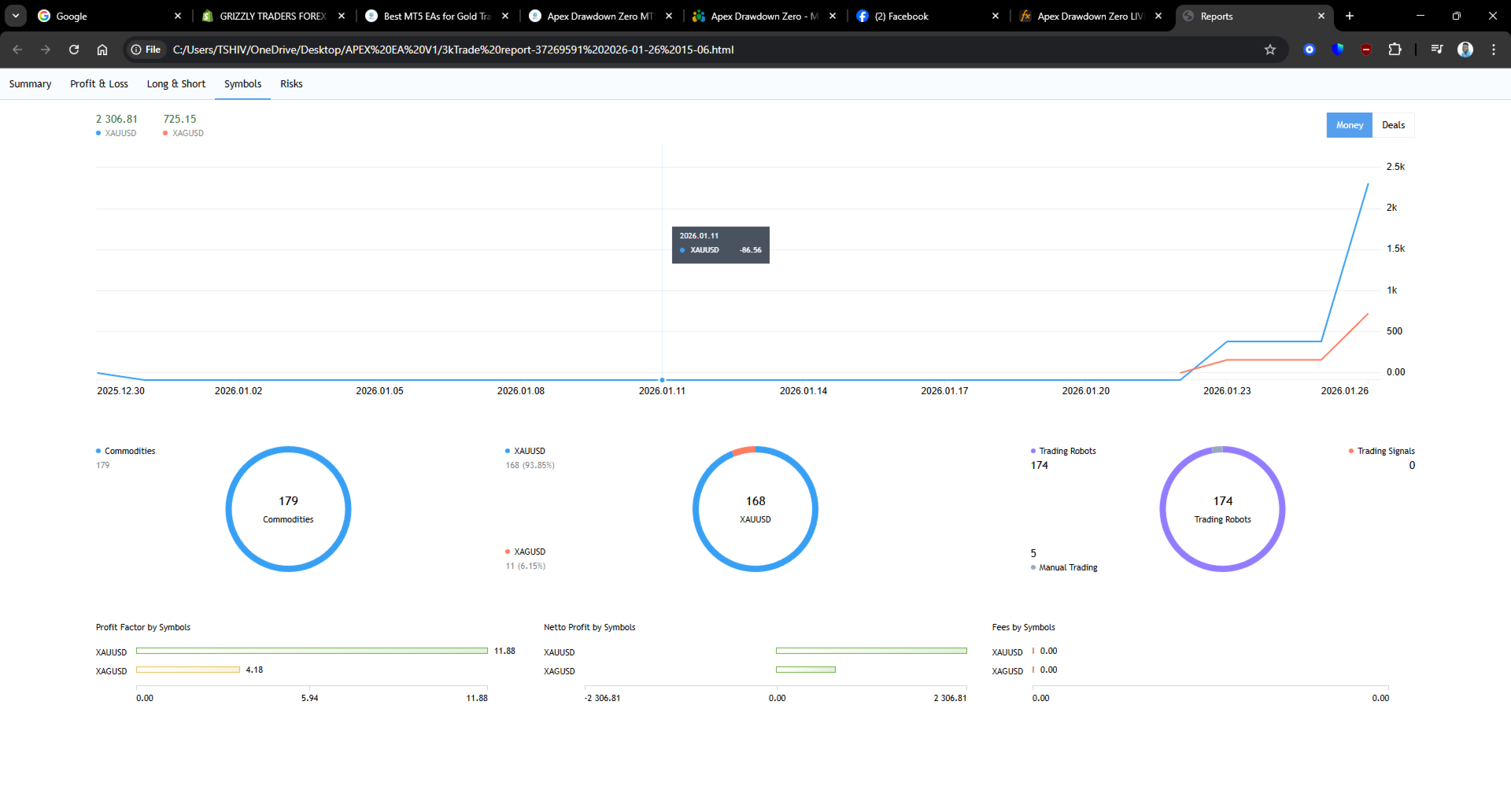
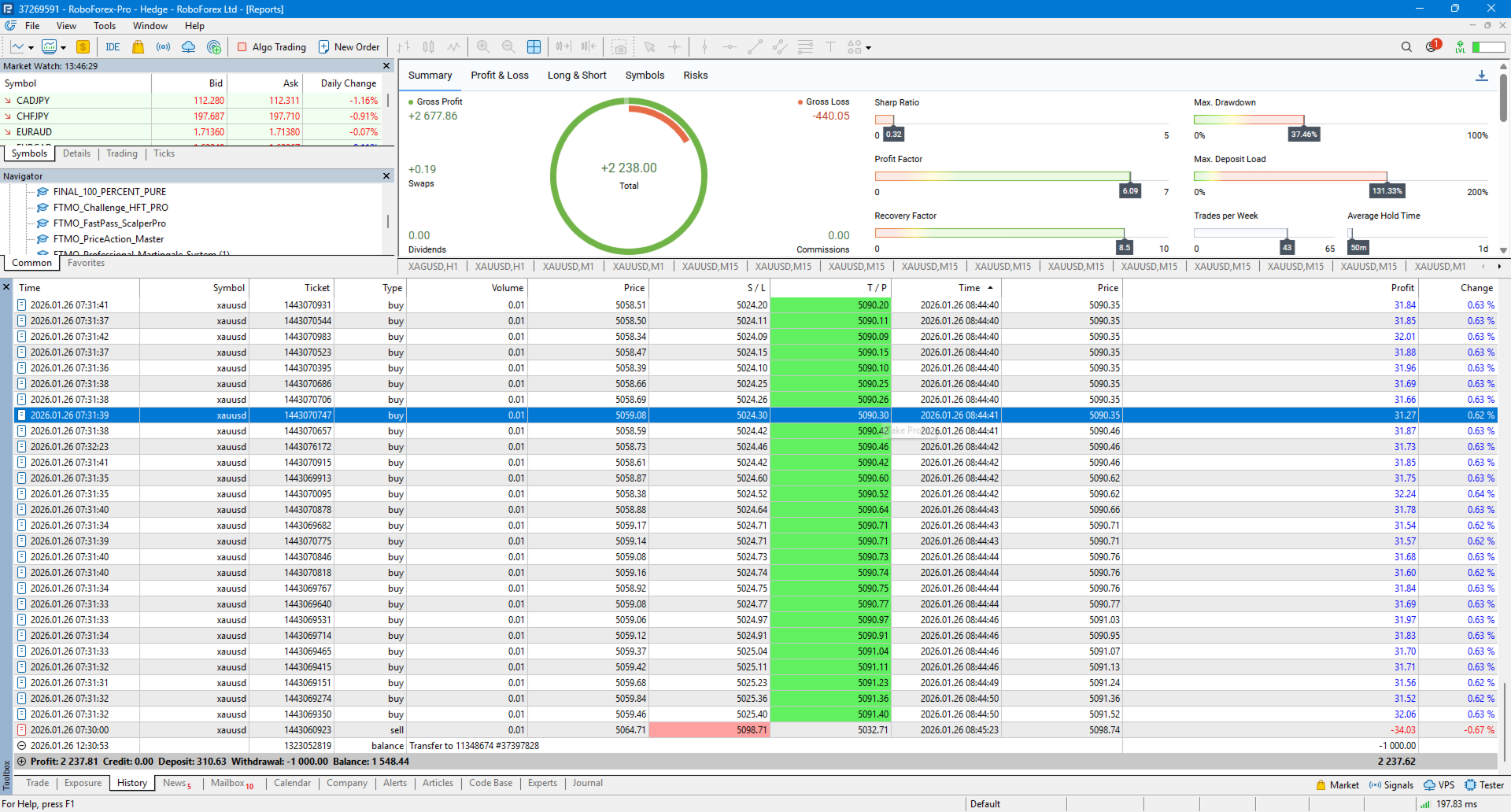
An old chart bearing the same name can therefore represent a different engine. We treat the gallery as an illustration of interfaces and earlier reports, not a continuously verified record of current settings.
Three symbols can still share risk
XAUUSD, EURUSD and EURJPY have different price series but can share currency and macroeconomic exposure. Several charts may lose together. Set an account-wide cash-loss budget before deciding per-chart percentages.
Switching to an unsupported instrument, manual inputs or pyramiding creates a different test. Save such variations separately so a favourable result is not accidentally attributed to the default configuration. The release notes do not recommend indices.
Different controls have different jobs
Spread and margin checks determine whether an order is acceptable. Stop-level and freeze-level checks govern permitted broker operations. Break-even and trailing affect an existing position. None ensures a gap will fill at the requested stop price.
A daily entry limit reduces frequency, but does not cap cash loss without suitable sizing and stops. Optional scale-in can add exposure even if each individual order is small. Compare it with the base configuration before enabling it.
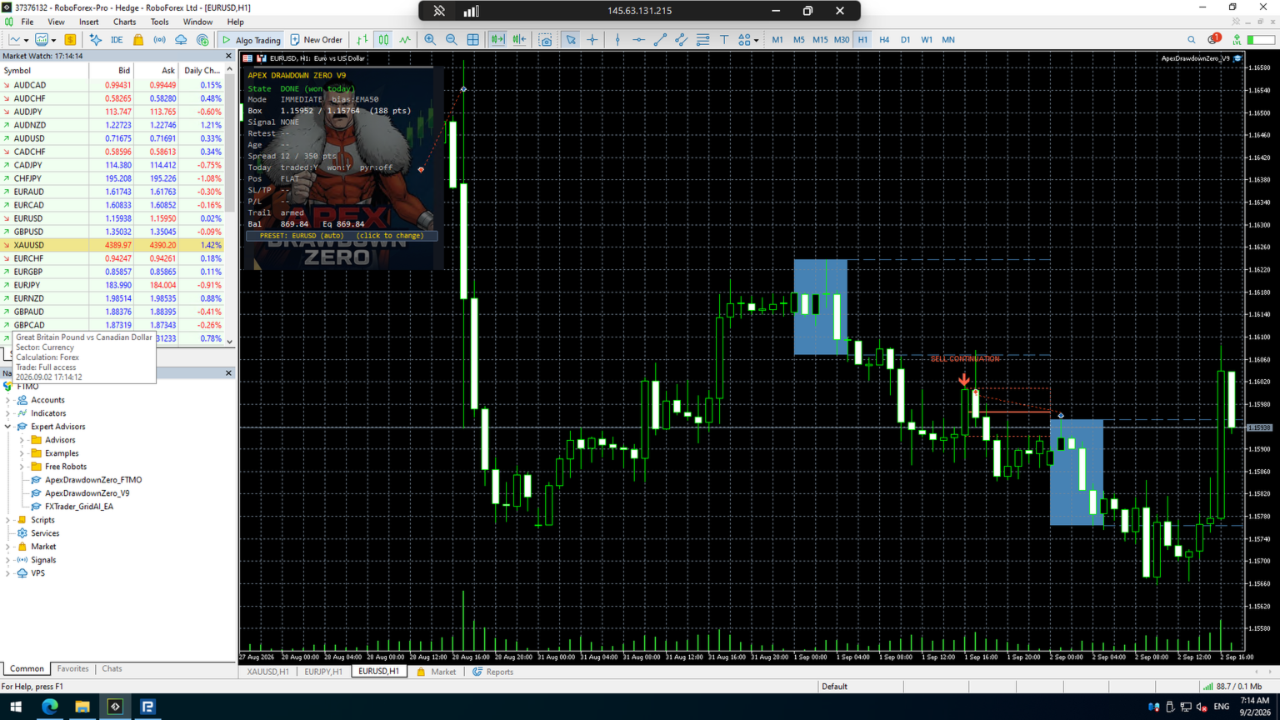
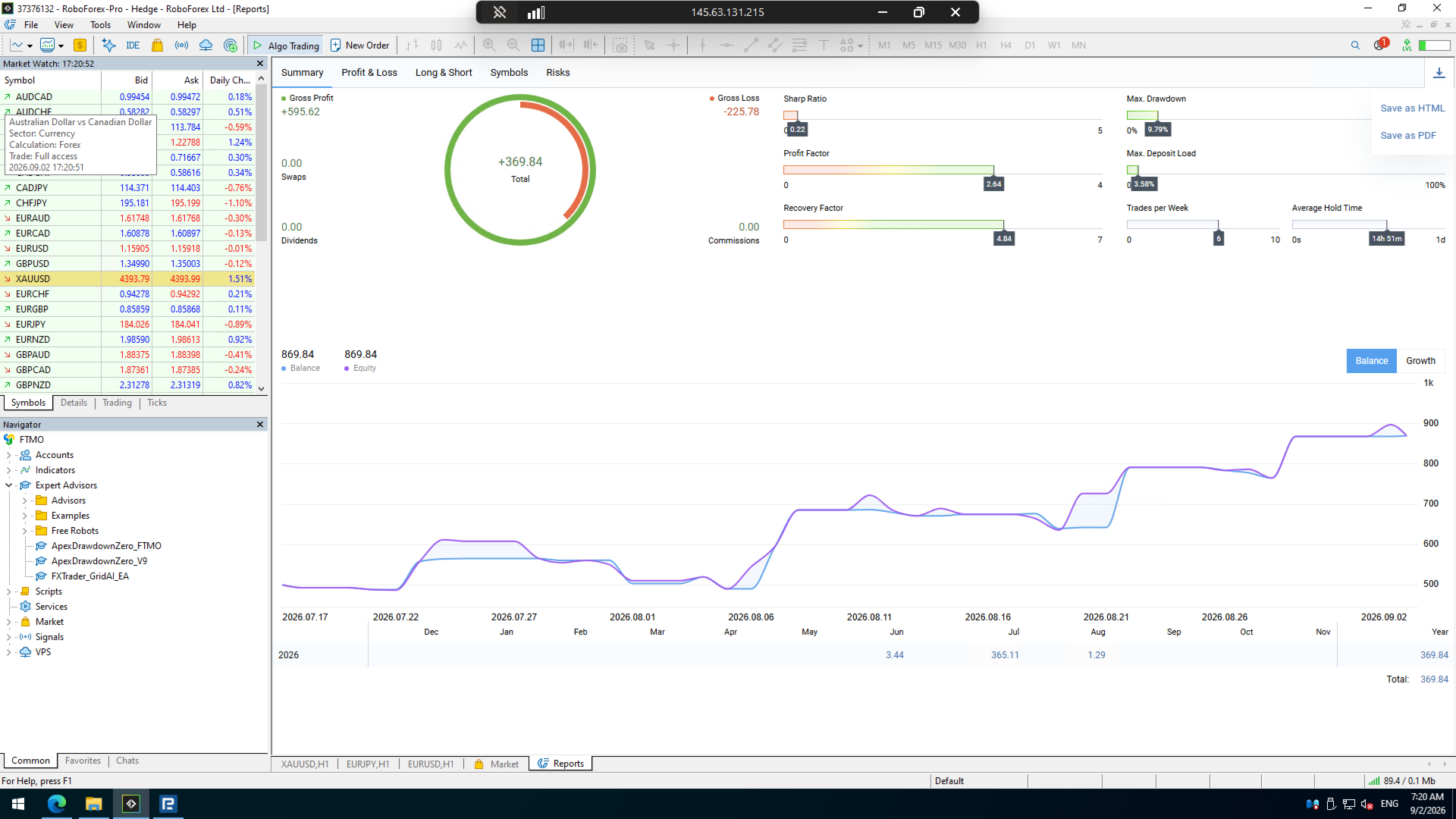
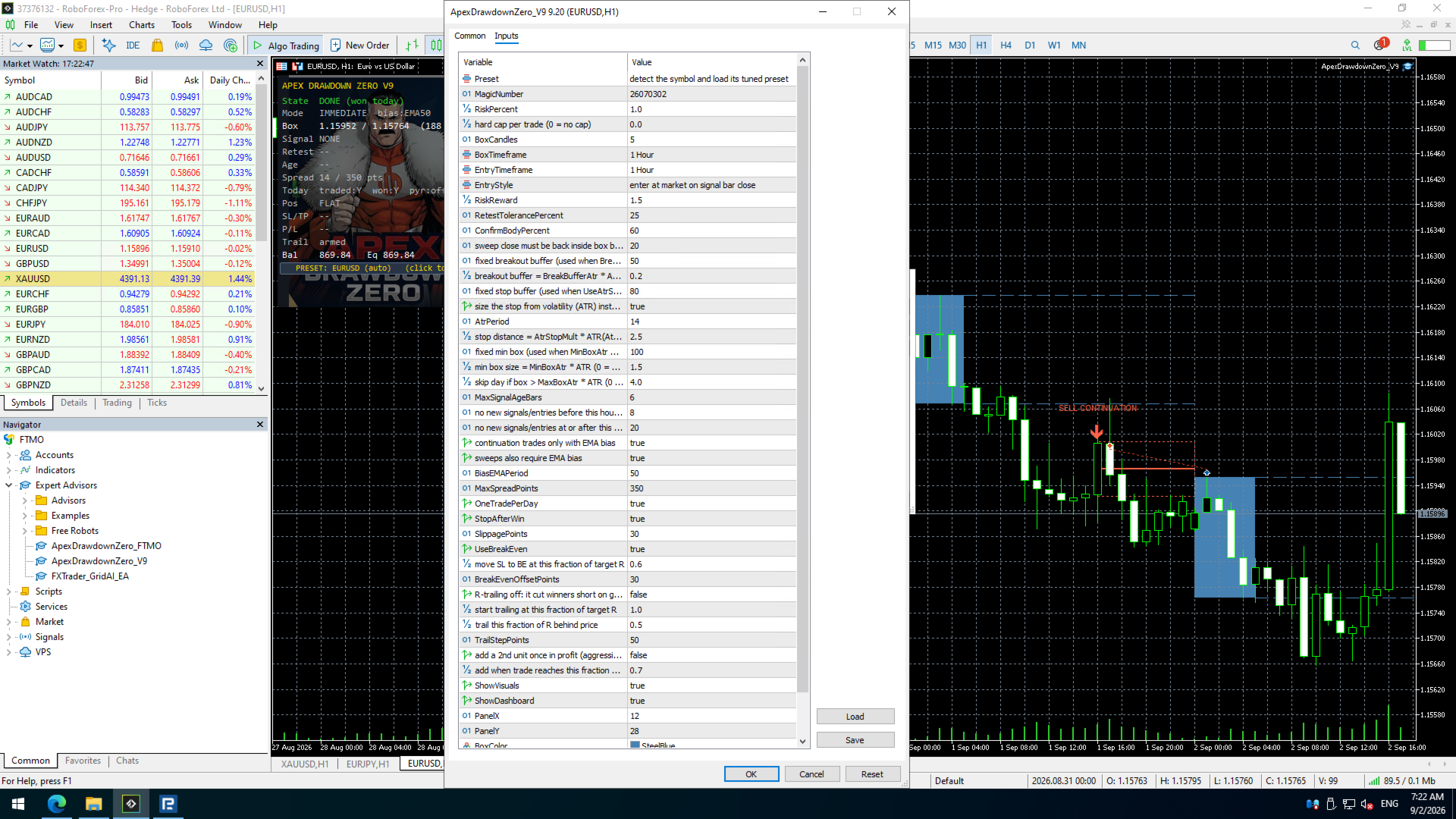
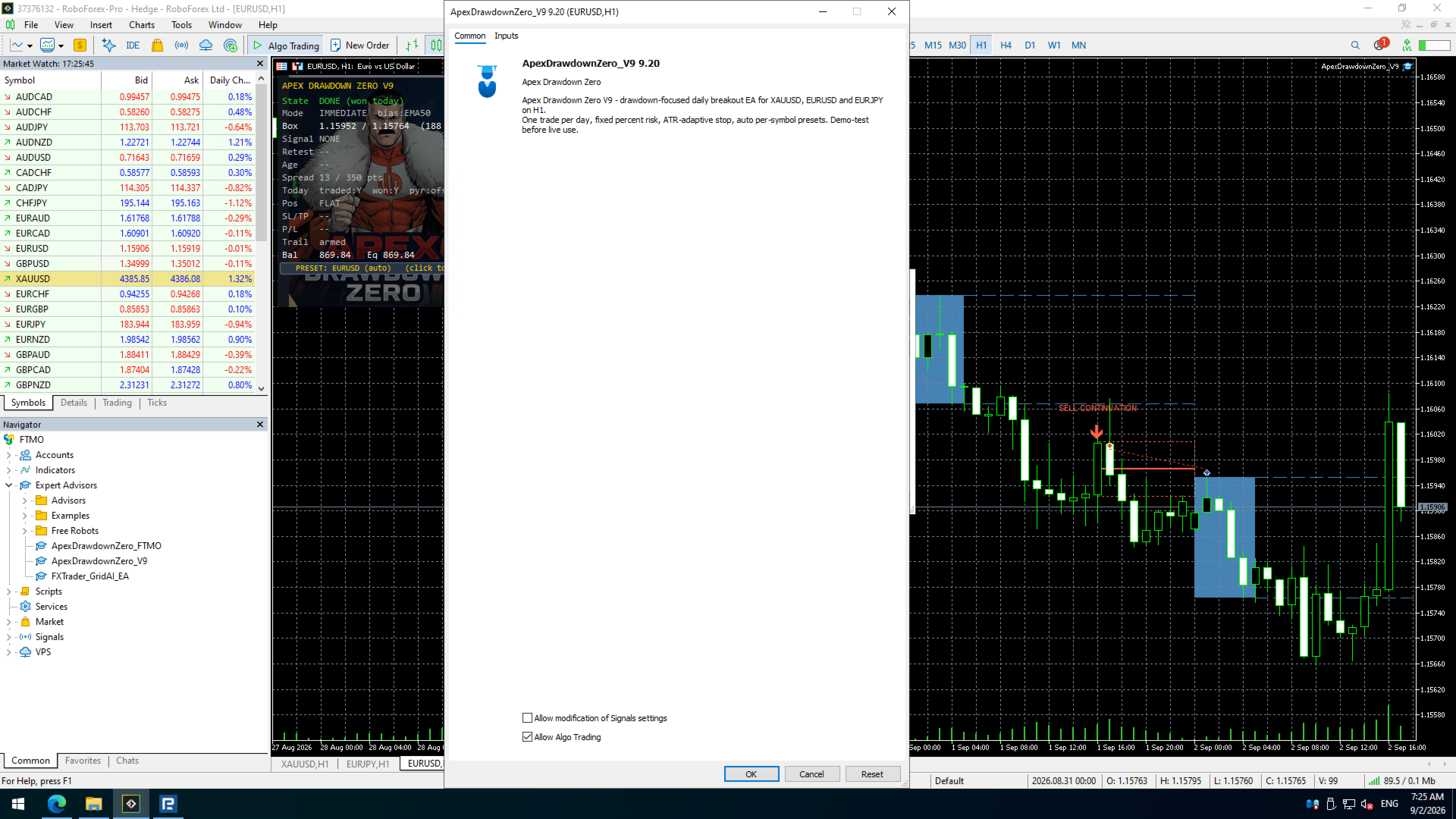
Reading the original gallery
The images include a dashboard, settings dialogs and account/report views. They are original developer images retrieved on 23 September 2026; some show earlier interfaces. No directly linked public live signal was available in the description to verify the reports’ current status, cash flows or relationship to the latest build.
No customer reviews were displayed at research time. That is an evidence gap, not a negative rating. We have not run an independent executable test or backtest.
Practical acceptance checks
- Confirm that AUTO recognises each supported broker symbol.
- Check server-time alignment and skipped-entry messages.
- Verify lot increments, minimum stop distance and free margin on demo.
- Test single-entry and pyramiding configurations separately, including combined account drawdown.
More from Tshivhidzo Moss Mbedzi
Compare the strategies before combining them on one account. Products from the same author do not automatically diversify risk.