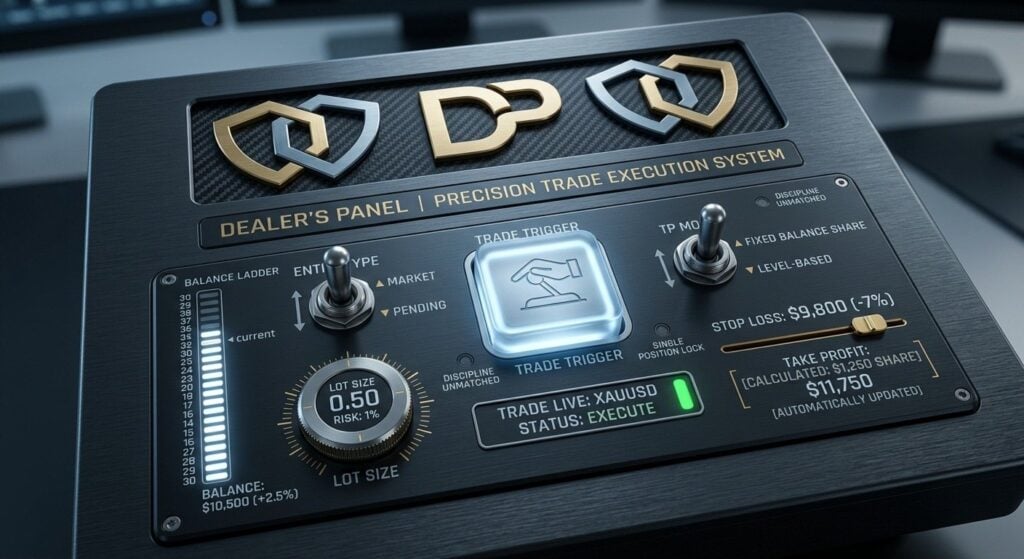
Dealer Panel MT5 is a manual-trading utility that calculates lot size from risk and take-profit levels from a balance-based target. Its developer describes a 30-step balance ladder, a market/pending toggle and a restriction to one live trade at a time. The trader makes the entry decision.
Our assessment: This is a focused option for manual traders who want fewer calculations at order entry. Its value is workflow consistency, not an automatic trading edge. The one-trade restriction’s scope and the detailed sizing rules need checking in the actual utility before relying on them.
View Dealer Panel MT5 features and pricing

We examined the public MQL5 listing, original gallery and public comments on October 12, 2026. The comments page was empty; no public manual, linked signal, release discussion or customer reviews were available in the listing, seller information or comments inspected. We have not independently operated Dealer Panel.
Where the trader’s decision ends and the calculation begins
The listing puts the trading decision with the user. After that decision, the panel calculates the lot size from risk and provides an order-placement workflow. It does not describe selecting a market direction, recognizing a signal or entering positions independently of the trader.
Pulse Pro EA MT5 and Multi System EA MT5 are separate trading systems from the same developer. Their strategies or results are not evidence for Dealer Panel’s manual execution and calculation workflow.
A balance ladder describes targets, not promised growth
The advertised 30-step ladder remembers the account’s progress and is part of the target framework. The overview does not publish the entire ladder, its step sizes or its behavior after a loss or balance change. Do not infer a recovery mechanism or a fixed completion schedule from the number of steps.
Likewise, a target based on a fixed share of balance is a calculation rule, not a probability of reaching that target. The trade can hit its stop instead. Evaluate the resulting stop, target and position size together rather than judging the setup by the next ladder milestone.
Inspect the actual size and price levels
Dealer Panel describes setting a stop and converting the balance-based take-profit amount into a price. Our practical assessment is that this calculation needs checking against the intended symbol, position volume and account currency. Broker volume increments and permitted order levels also matter; the public overview does not specify its rounding or rejection handling.
The market/pending toggle is an advertised workflow feature. It does not establish which pending-order types are supported or how an unfilled order is handled. Check those options in the supplied utility rather than treating a promotional switch label as complete documentation.
The one-trade restriction needs a scope check
The developer says the panel allows one live trade at a time. The overview does not say whether that restriction covers the entire account, only the attached symbol or only the panel’s own orders. It also does not explain how pending orders or trades opened elsewhere are counted. These distinctions matter if the same account runs another EA.
The Patch MT5 is another utility by Mian Rameez Ali, described as filling omitted stop and target levels. Its purpose can complement a manual process in concept, but we have not tested the two together. Confirm that any managers acting on the same orders agree on the intended exits.
Source and buyer assessment
The listing identified version 1.51 on October 12, 2026. Check the lot and target calculations in the actual terminal; promotional artwork does not establish sizing accuracy or execution outcomes.
Verify the current Dealer Panel listing and the developer’s catalog for updates to its documentation.