
Gold Bomb EA MT4
Latest version
Gold Bomb EA MT4 applies indicator, level and price-action signals to XAUUSD M1 in MetaTrader 4.
- Individual stop-loss and take-profit exits.
- Automatic or fixed lot sizing for your MT4 account.
- On-chart Online and synchronisation status.
Compare Gold Bomb MT4 and MT5 in our review · View the MT5 edition
 MT4Save 40%
What you receive
- Gold Bomb.ex4Genuine, unmodified developer file for MetaTrader 4Latest version
- Setup guide.pdfA general guide to installing expert advisors.Official step-by-step install guide
Delivered instantly to your account after payment
Regular priceRegular price was $499.00
$299.95 with card
Visa, Mastercard, Apple Pay and Google Pay accepted.
Card payments add bank fees, sales taxes and other charges.




 Apple Pay and Google Pay ready at checkout
- Official developer build · Latest version
- Instant downloadYour file is provided immediately after payment. In very rare cases we manually review an order first, then send your download straight after. If you don’t receive your file, you can request a full refund.
- Free lifetime updatesAll updates are free. They’re provided on a best-availability basis: we get new versions as fast as we can, led by customer demand, but we don’t guarantee them immediately. If you need every update the moment it’s released, our service may not be the best fit for you.
- 7-day money-backRefunds only cover an EA that fails to attach to your chart because of errors we can replicate. We don’t cover changing your mind or not liking the EA. All brokers are different, and results are never promised because markets are constantly changing.
- Unlimited activationsUse it on as many MT4 accounts and computers as you want, live or demo. There are no restrictions on how you use it.
What you receive
- Gold Bomb.ex4Genuine, unmodified developer file for MetaTrader 4Latest version
- Setup guide.pdfA general guide to installing expert advisors.Official step-by-step install guide
Delivered instantly to your account after payment


28,000+ tradersServed since 2019
Don’t miss thisSee the EA we recommend
The Gold EA we trade ourselves
DowGold for XAU and US30


We have tested thousands of EAs. DowGold is the one we use and recommend, and we rarely say that. We’re also an official reseller.
Real USD MyFXBook accounts. A live cloud, constantly evolving strategy.
See DowGoldOfficial versionsInstant downloadFree lifetime updatesExtra 20% off with cryptoReal people on support28,000+ tradersTrading since 2019Rated Excellent on Trustpilot
Product description
About Gold Bomb EA MT4
- Developer source link: Gold Bomb MT4 on MQL5
- Live signal link: Gold Bomb — MT4 account at RoboForex
Gold Bomb EA MT4 brings Aleksandr Makarov’s gold strategy to MetaTrader 4, using proprietary indicators, price levels and price action on XAUUSD M1. This edition is for traders keeping their broker account and trading workflow in MT4, with individual stop-loss and take-profit exits and a choice of automatic or fixed position sizing.
A gold EA for your MT4 workspace
The one-minute gold chart is the documented starting point. The public material also mentions currency pairs, but does not provide an equally detailed setup for every pair. Start with the specified XAUUSD configuration rather than assuming all symbols share the same settings.
- Indicator and price-action entries: the developer does not describe this as an AI model, and states that it does not use martingale.
- Separate exits: each position has a stop loss and take profit, instead of relying solely on recovery sizing.
- Lot-size choice: automatic sizing or a fixed lot lets you match exposure to your own MT4 account.
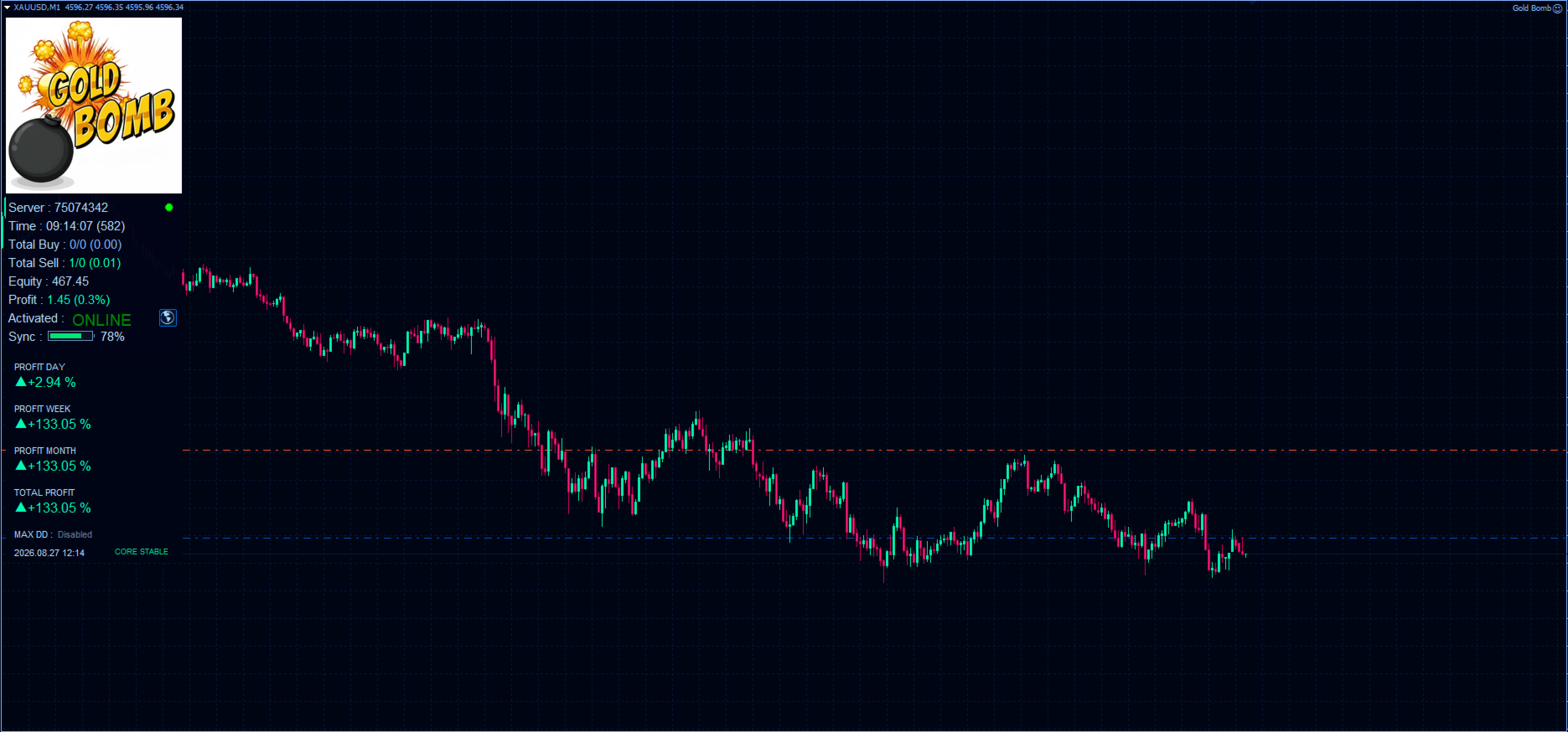
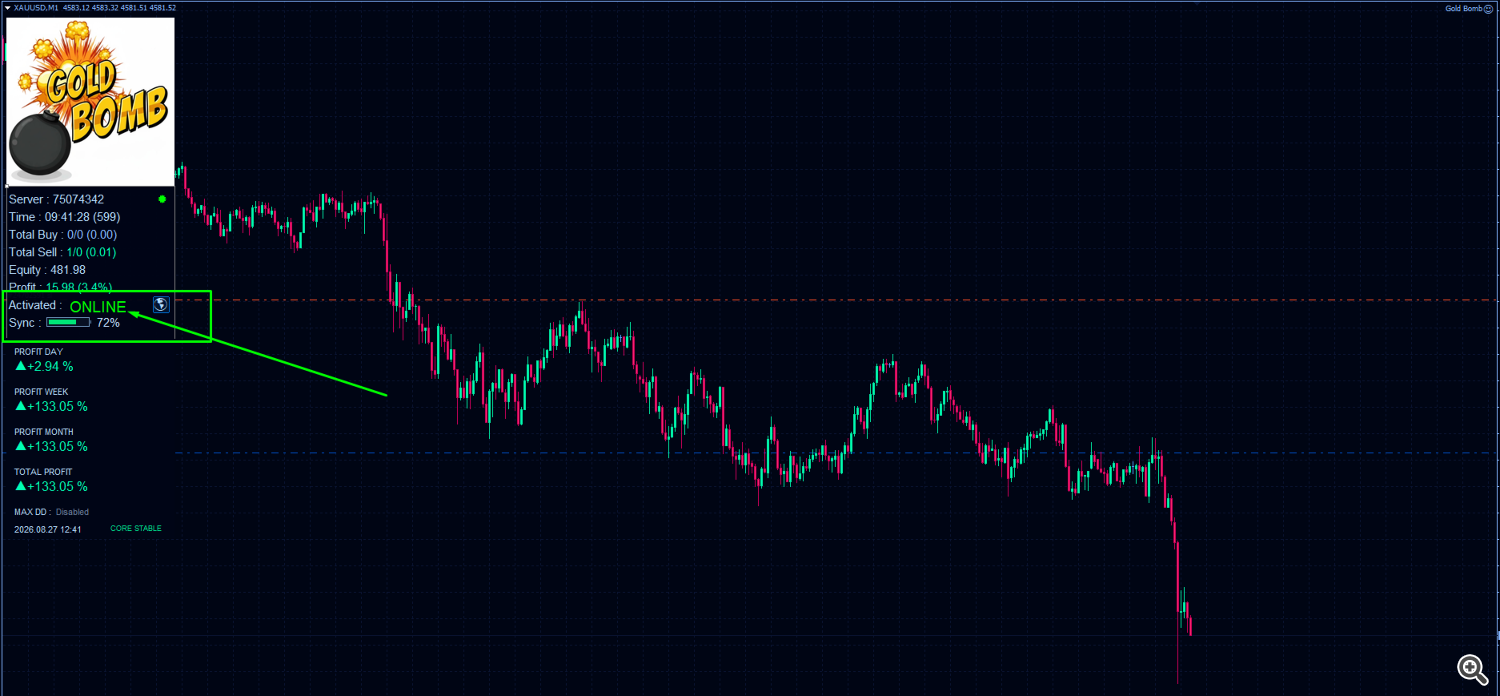
- Visible connection status: the chart panel shows activation, Online status and synchronisation alongside trading information.
What needs to be ready in MT4
- Chart
- XAUUSD, M1 in MetaTrader 4. Check your broker’s gold symbol and contract specifications.
- Connection
- Continuous internet access, service activation and the required WebRequest permission.
- Lot sizing
- Inspect the actual lot selected on your account before allowing live exposure; the same lot can represent different margin requirements across brokers.
- Evaluation
- Forward-test on a demo account. The developer says the ordinary Strategy Tester cannot reproduce the connected service.
WebRequest and the Online check
The shared manual specifies http://club-investors.com as the service address. In MT4, the permitted-URL list is under Tools → Options → Expert Advisors. Use the supplied setup instructions to complete activation, then check that the panel is Online and synchronising. A chart attachment alone does not prove that signals are reaching the terminal.
This is a standalone file offer, but the EA’s trading logic still requires the external service. Keep MT4 running and connected; the developer recommends a VPS. The manual’s screenshots use some MT5-style labels, so follow the equivalent MT4 controls rather than looking for an identical dialog.
The public record is an MT4 account
The linked RoboForex-ECN-3 account is listed under MetaTrader 4. On 14 September 2026 it showed 255.11% growth across 105 trades, with 17.05% balance drawdown and a separately reported 5.68% equity drawdown. It had only about three weeks of history and MQL5 flagged unusually high growth as a risk.
That makes it relevant to this platform, but not a guarantee that your broker, lot settings or connection will produce the same trades. The account includes currency trades as well as gold. Our Gold Bomb MT4 and MT5 review separates the dated figures, older screenshots and customer feedback.
Choosing between MT4 and MT5
Choose this edition for MetaTrader 4. If your trading account uses MetaTrader 5, see Gold Bomb EA MT5. The platforms require different files; renaming an MT4 file does not turn it into an MT5 EA. We have not established a separate strategy advantage or identical execution between editions.
The developer suggests $200 minimum, preferably $500, and quotes 1:500 leverage. These are source specifications, not a promise of adequate capital or a recommendation to maximise leverage. Stops and no-martingale rules do not remove slippage, drawdown or server-interruption risk.
Read the shared developer setup guide
Delivery: standalone file. Follow the delivery instructions supplied with your order.
Every order
What’s included with Gold Bomb
- Instant downloadReady after checkout and kept in your account
- Free lifetime updatesAdded as soon as we receive them, every version kept in your account
- Unlimited activationsUnlimited live and demo accounts
- Setup helpReal people on Telegram or email
- 7-day money-back guaranteeIf the EA fails to attach to your chart because of errors we can replicate, you get a full refund.
Product FAQs
Gold Bomb EA MT4 FAQs
Real people on support, by Telegram or our contact form.
Does this Gold Bomb file run in MetaTrader 5?
No. This is the MT4 edition. The separate MT5 product is linked in the description.
Can Gold Bomb MT4 trade without its server?
The developer says it requires a constant external connection for signals. A standalone file does not make this EA an offline system.
How should I evaluate Gold Bomb MT4?
Use real-time demo observation after completing the required activation and WebRequest setup. The developer says the standard Strategy Tester is not suitable for its connected operation.
Is the public signal an MT4 account?
Yes. The linked account is listed under MT4, but its broker, settings and short history do not establish identical results for every user.
Which version is supplied?
Supplied as a standalone file. Follow your order’s delivery instructions.
Customer reviews
Reviews of Gold Bomb EA MT4
You must be logged in to post a review.
- Excellent on Trustpilot 4.6 out of 5 from 120 reviews (opens in a new tab)
- 28,000+ traders since 2019
- 1,570+ official EAs
- Card or crypto payments
Related EAs
Traders also explore
Premium expert advisors at vault-low prices, with your crypto price on every card.
 MT5Save 40%
 MT4Save 83%
 MT4Save 67%
 MT4Save 83%
Ready when you are
Gold Bomb EA MT4 for $239.96 with crypto
Regular price was $499.00 · $299.95 with card · instant download · free lifetime updates

Gold Bomb EA MT4$239.96with crypto$299.95 with card
There are no reviews yet.