
Choppa S EA MT4
Guaranteed genuine. No cracks, fakes or AI recreations. See why
Why we only sell the original
- Fakes are everywhere right now. AI recreations and cracked copies sell for $10 to $20 on other websites and channels. They are not the real EA.
- A fake doesn’t trade like the original. AI recreations only copy how an EA looks from the outside, so they can trade very differently.
- Cracks can hide malware that reaches your computer and your trading account.
- The real thing, with real support. The developer’s own, unmodified file, free updates, a setup guide, and real people on Telegram if you get stuck.
A $10 fake is your call. But with real money on the line, is it worth the risk? We only sell originals, at the lowest genuine price.
Free lifetime updates. You never pay twice.
Introducing the Choppa S EA for MT4 by FXSNIPER24—a cutting-edge trading robot designed to elevate your trading strategy to new heights.
Whether you’re a beginner or a seasoned trader, Choppa S EA offers the perfect balance between ease of use and advanced trading capabilities, making it the ultimate tool for achieving financial success.
The Download Package Includes:
+ Expert: Choppa S EA (.ex4) W12
+ Pairs/Timeframes
+ How to Install MT4 Files.pdf
More Information:
+ https://fxsniper24.com
Live Performance Signal:
+ None known/public
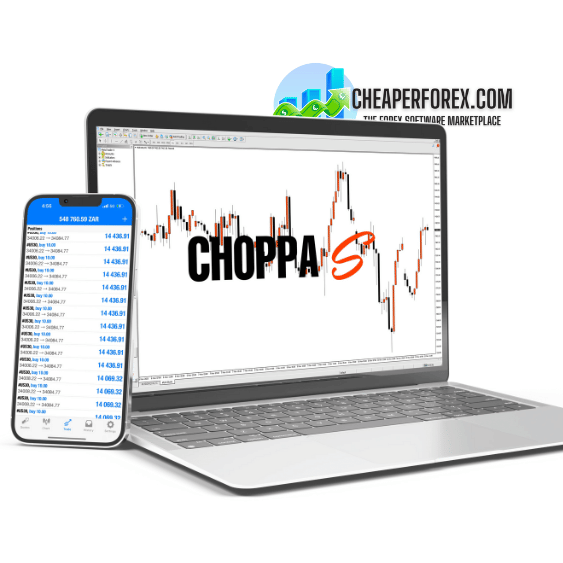 MT4Save 97%
What you receive
- Choppa S.ex4Genuine, unmodified developer file for MetaTrader 4
- Setup guide.pdfA general guide to installing expert advisors.Official step-by-step install guide
Delivered instantly to your account after payment
Free lifetime updates included
100% original. Never a crack, fake or AI recreation.
Regular priceRegular price was $1,999.00
$59.95 with card
Visa, Mastercard, Apple Pay and Google Pay accepted.
Card payments add bank fees, sales taxes and other charges.




 Apple Pay and Google Pay ready at checkout
- Instant downloadYour file is provided immediately after payment. In very rare cases we manually review an order first, then send your download straight after. If you don’t receive your file, you can request a full refund.
- Free lifetime updatesAll updates are free. They’re provided on a best-availability basis: we get new versions as fast as we can, led by customer demand, but we don’t guarantee them immediately. If you need every update the moment it’s released, our service may not be the best fit for you.
- 7-day money-backRefunds only cover an EA that fails to attach to your chart because of errors we can replicate. We don’t cover changing your mind or not liking the EA. All brokers are different, and results are never promised because markets are constantly changing.
- Unlimited activationsUse it on as many MT4 accounts and computers as you want, live or demo. There are no restrictions on how you use it.
What you receive
- Choppa S.ex4Genuine, unmodified developer file for MetaTrader 4
- Setup guide.pdfA general guide to installing expert advisors.Official step-by-step install guide
Delivered instantly to your account after payment
Free lifetime updates included
100% original. Never a crack, fake or AI recreation.


28,000+ tradersServed since 2019
Don’t miss thisSee the EA we recommend
The Forex EA we trade ourselves
PrismAlgo for Forex


We have tested thousands of EAs. PrismAlgo is the one we use and recommend for Forex, and we rarely say that. We’re also an official reseller.
Real USD MyFXBook account. A live cloud, constantly evolving strategy.
See PrismAlgoOfficial versionsInstant downloadFree lifetime updatesExtra 20% off with cryptoReal people on support28,000+ tradersTrading since 2019Rated Excellent on Trustpilot
Product description
About Choppa S EA MT4
Introducing Choppa S EA for MT4 by FXSNIPER24: Your Path to Professional Trading Success
Introduction
In the fast-paced world of forex trading, having the right tools can make all the difference between consistent profits and constant losses. Introducing the Choppa S EA for MT4 by FXSNIPER24—a cutting-edge trading robot designed to elevate your trading strategy to new heights.
Whether you’re a beginner or a seasoned trader, Choppa S EA offers the perfect balance between ease of use and advanced trading capabilities, making it the ultimate tool for achieving financial success.
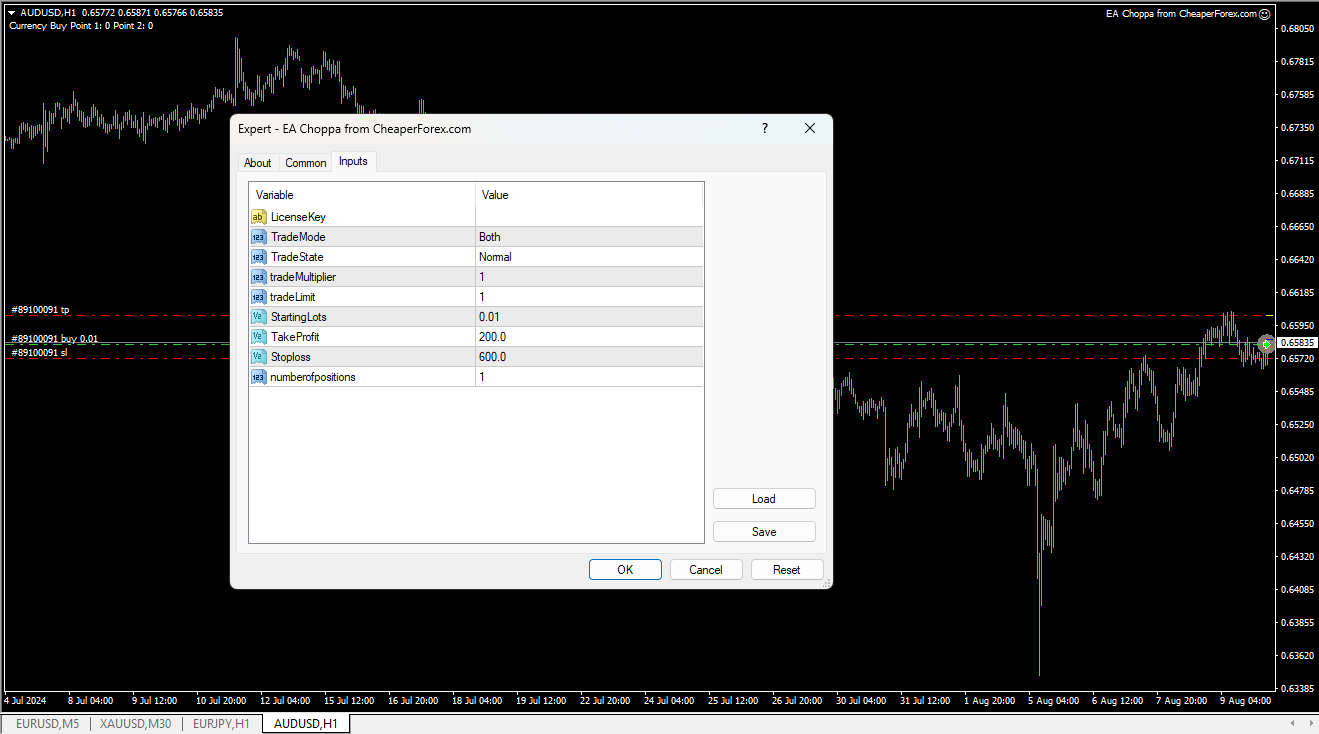
Description of Choppa S EA: How the Strategy Works
Choppa S EA is a fully automated trading robot that excels in trading major currency pairs, indices, and indexes. Designed with both beginners and professionals in mind, this EA simplifies the trading process while employing sophisticated strategies to maximize profitability.
At the core of Choppa S EA’s strategy is its dual trading modes: Normal Mode and Attack Mode.
- Normal Mode: This mode uses preset settings optimized for consistent, low-risk trading. It is ideal for those who prefer a stable, reliable approach to growing their account balance over time.
- Attack Mode: For traders looking to capitalize on more aggressive opportunities, Attack Mode automatically increases the lot size while maintaining a disciplined risk management strategy. This mode is designed to maximize profitability during favorable market conditions, making it perfect for traders who are comfortable with taking on more risk for potentially higher rewards.
In addition to these modes, Choppa S EA features a trailing take profit and stop loss system. This innovative feature locks in profits as the market moves in your favor, ensuring that you capitalize on positive market movements without the need for constant monitoring.
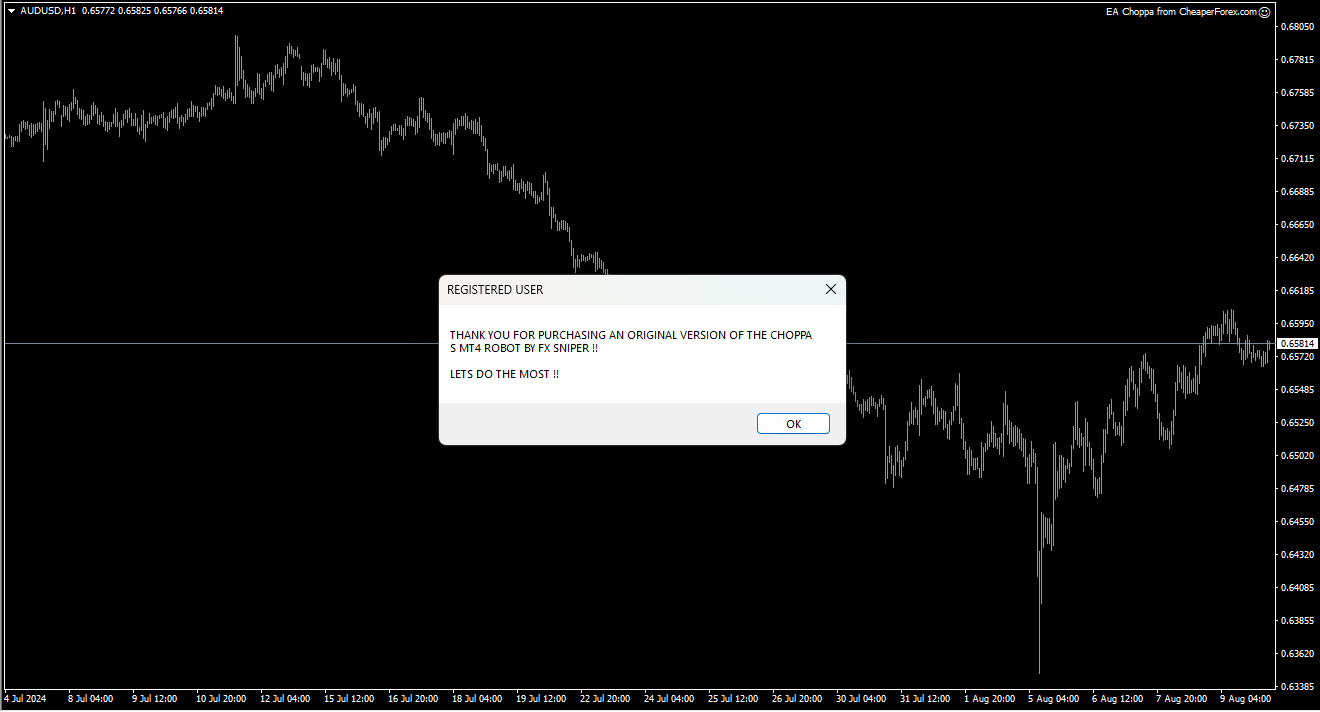
Trading Specifications: Recommended Pair, Timeframe, and Minimum Balance
- Recommended Pairs: Choppa S EA is versatile and can trade all major currency pairs, indices, and indexes. This broad compatibility allows you to diversify your trading portfolio with ease.
- Recommended Timeframe: The EA works best on the M15 chart, providing the perfect balance between speed and accuracy.
- Minimum Balance: While Choppa S EA is designed to work with any account size, a minimum balance of $100 is recommended to fully leverage its trading capabilities, especially when using Attack Mode.
Our Thoughts About Choppa S EA
Choppa S EA represents a massive upgrade in automated trading technology. Its ability to trade across a wide range of assets, including major currency pairs, indices, and indexes, makes it a versatile tool for any trader. What sets Choppa S EA apart is its dual trading modes, which cater to both conservative and aggressive traders. The Normal Mode offers a safe, consistent approach to trading, while Attack Mode provides the opportunity to achieve significant gains during favorable market conditions.
Moreover, the EA’s beginner-friendly design ensures that even those new to forex trading can start making consistent profits quickly. The automated trailing take profit and stop loss features add an extra layer of security, helping to maximize profitability while minimizing risk.
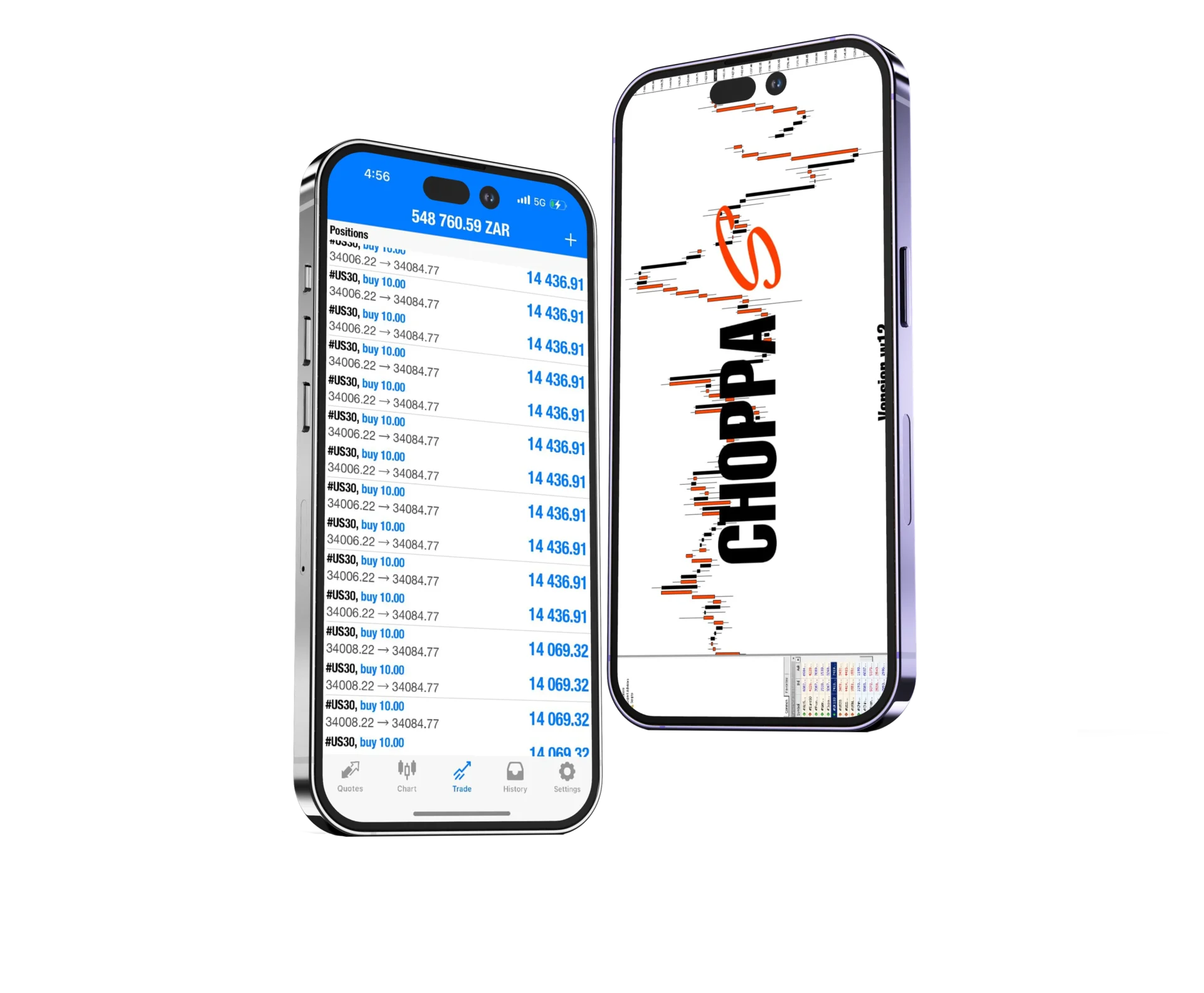
A Massive Upgrade
The Choppa S EA is not just an ordinary trading robot—it’s a massive upgrade from traditional EAs. The inclusion of two distinct trading modes allows users to switch between a conservative and aggressive trading strategy with ease. The modern design and functionality of Choppa S EA ensure that it is not only powerful but also incredibly user-friendly, making it the perfect tool for traders at any level.
Here’s What You Get
When you invest in the Choppa S EA, you’re not just buying a trading robot—you’re investing in a comprehensive trading solution that includes:
- Fully Automated Trading: The EA handles everything from market analysis to trade execution, freeing you from the need to constantly monitor the markets.
- Lifetime Access: Purchase once and enjoy lifetime access to Choppa S EA, with no recurring fees.
- Works with Any Broker: Compatible with all brokers, allowing you to use your preferred trading platform.
- 98% Winning Rate: Choppa S EA boasts an impressive 98% winning rate, making it one of the most reliable EAs on the market.
- Once-off Purchase: No hidden fees or subscription costs—just a one-time investment for a lifetime of trading success.
What’s New in Choppa S EA?
The latest version of Choppa S EA introduces several enhancements that make it even more powerful and user-friendly:
- Two Trading Modes: Normal Mode for consistent, low-risk trading, and Attack Mode for aggressive, high-reward opportunities.
- Trailing Take Profit and Stop Loss: Automated features that secure profits as the market moves in your favor, reducing the risk of losing gains.
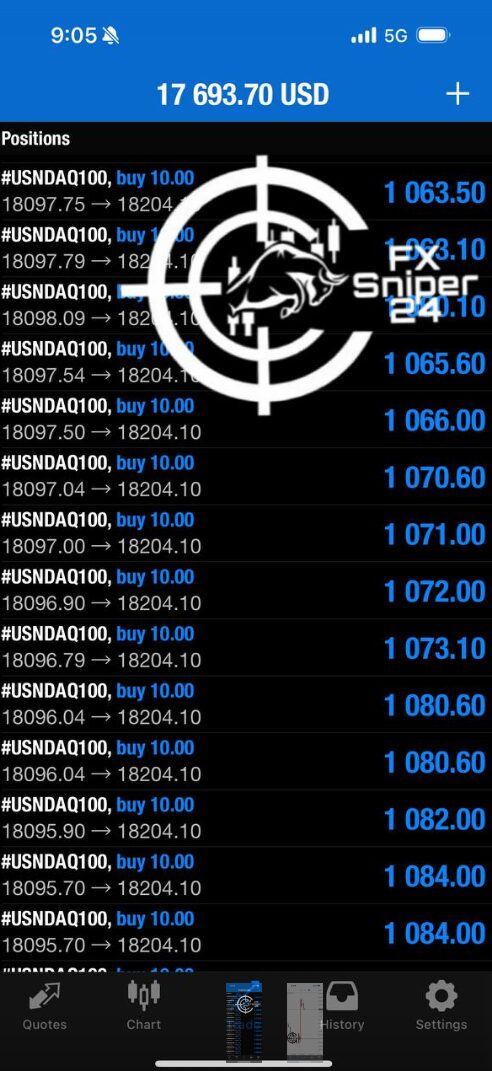
Reviews
Michael T.
Rating: ★★★★★
“Choppa S EA has completely transformed my trading. The Attack Mode is a game-changer, and I’ve seen significant profits with minimal effort. The best part is how easy it is to use, even for someone like me who’s new to forex trading.”
Emily R.
Rating: ★★★★★
“I love the versatility of Choppa S EA. Whether I’m in the mood for some aggressive trading or just want to keep things steady, the two trading modes give me exactly what I need. Highly recommend it!”
John D.
Rating: ★★★★★
“Finally, an EA that delivers on its promises! The trailing stop loss feature is fantastic, and I’ve been able to lock in profits without having to babysit my trades. Definitely worth the investment.”
Conclusion
Choppa S EA for MT4 by FXSNIPER24 is a revolutionary trading tool designed to help you trade like a pro. With its dual trading modes, automated trailing take profit and stop loss features, and compatibility with all major currency pairs, indices, and indexes, Choppa S EA is the ultimate solution for both beginners and experienced traders. Available exclusively on CheaperForex.com, Choppa S EA offers a modern, effective way to achieve consistent trading success. Don’t miss out on this opportunity to take your trading to the next level—invest in Choppa S EA today!
Every order
What’s included with Choppa S
- Instant downloadReady after checkout and kept in your account
- Free lifetime updatesAdded as soon as we receive them, every version kept in your account
- Unlimited activationsUnlimited live and demo accounts
- Setup helpReal people on Telegram or email
- Excellent on Trustpilot 4.6 out of 5 from 120 reviews (opens in a new tab)
- 28,000+ traders since 2019
- 1,580+ official EAs
- Card or crypto payments
Related EAs
Traders also explore
Premium expert advisors at vault-low prices, with your crypto price on every card.
 MT4Save 94%
 MT4Save 88%
 MT4Save 98%
 MT4Save 50%
Ready when you are
Choppa S EA MT4 for $47.96 with crypto
Regular price was $1,999.00 · $59.95 with card · instant download · free lifetime updates

Choppa S EA MT4$47.96with crypto$59.95 with card