Available from CheaperForex
Trendalgo AI EA MT5 follows trends using bar-close decisions based on the developer’s volume, volatility and momentum equation. Green/red signal bars identify potential direction, while dynamic stop-loss and take-profit levels manage the trade. Its compact on-chart panel controls lot size, activation and manual closing.
Our assessment: the appeal is a visible, chart-driven workflow rather than a large set of entry settings. It suits traders prepared to validate a particular instrument and timeframe. The most important operating constraint is explicit: changing timeframe during an open trade switches the algorithm OFF and closes all trades for that asset. This review uses sources checked 26 October 2026; it is not our own terminal test or independently reproduced performance study.

What the volume, volatility and momentum model does
Stefano Frisetti describes a proprietary equation that identifies surges in volume, volatility and momentum without standard indicators. The product uses AI branding, but its public description does not establish a particular neural architecture, training dataset or external AI service. Assess the documented behavior rather than inferring those features from the name.
At each bar close, the EA can open a trade, wait, adjust its protective levels or close the trade. A first green signal bar indicates a potential long entry; red indicates a potential short entry. Gray/white bars mean waiting. The wording describes a decision process, not an instruction that every colored bar produces a profitable trade.
Timeframe changes are a trading action
The developer favors H1 for its claimed win rate across many assets, while allowing other timeframes. That claim has not been independently benchmarked here. Different timeframes change the sequence of bar-close decisions and should be evaluated separately.
Never change timeframe while the trade is open: according to the source, this deactivates the algorithm and closes all trades for the asset. Plan the chart setup before clicking ON. The CLOSE control also shuts the strategy down after closing the trade; it is not a display-only button.
Dynamic levels need execution context
The source says volatility can widen or otherwise change the stop-loss and take-profit levels. It also says the stop is not visible on the chart. Public wording alone does not establish whether a protection level is held at the broker or managed inside the running EA, so it should not be represented as a verified hard stop or account loss ceiling.
Check the intended symbol’s contract size, minimum lot and trading costs. Multi-asset compatibility is an operating claim; it is not evidence of profitability in every market. Keep MT5 functioning while the EA manages exposure, and evaluate the actual broker/timeframe combination on demo.
What the original chart images establish
The focused USDJPY H1 image illustrates the green/red and waiting-state presentation described in the overview. The multi-window collage also shows forex, gold and indices on mixed timeframes. Both carry trading-room/TrendMaestro branding. Their account status, complete trade history and exact EA build are not established by the images, so displayed profit labels are not treated as verified returns.
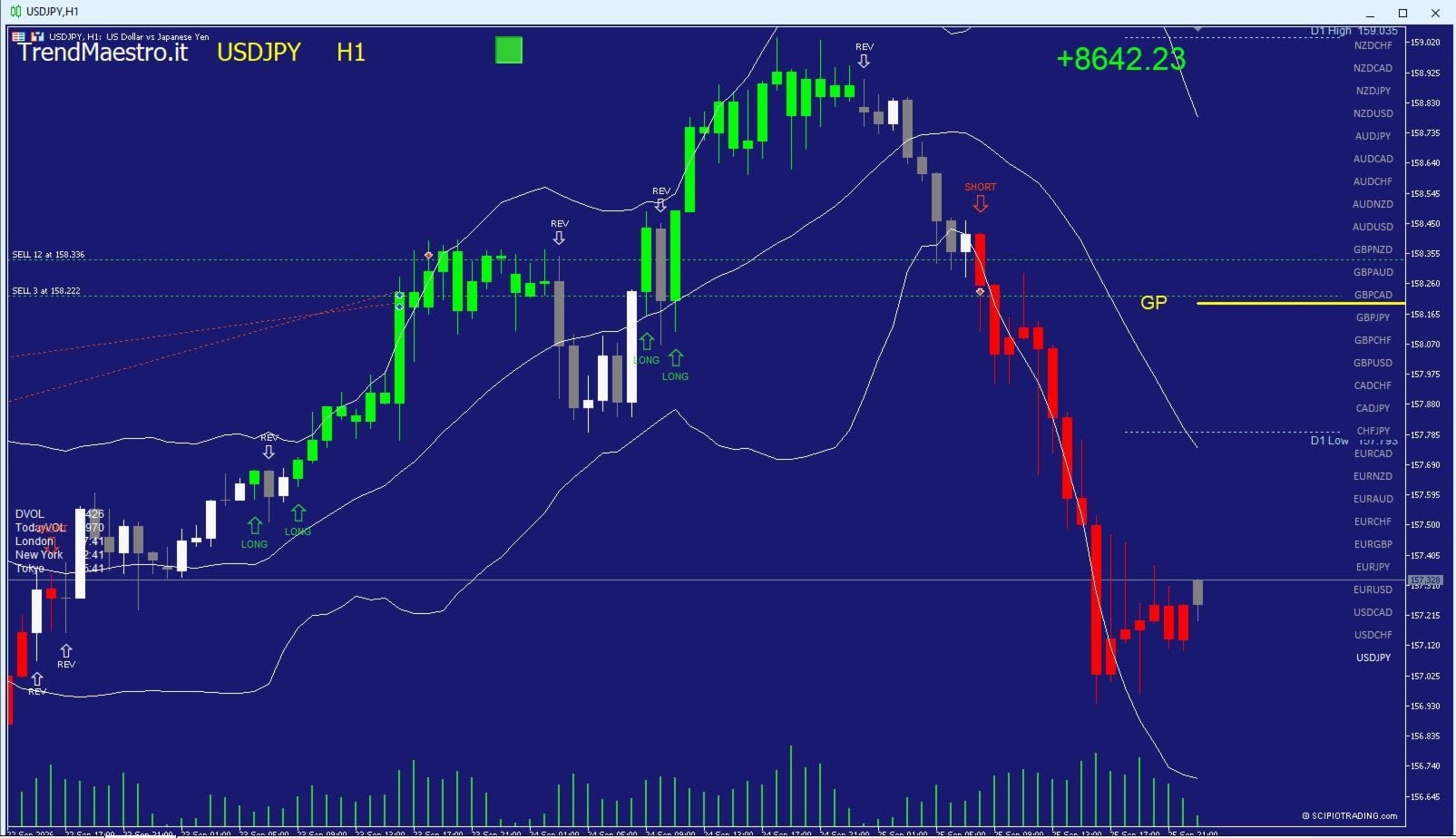
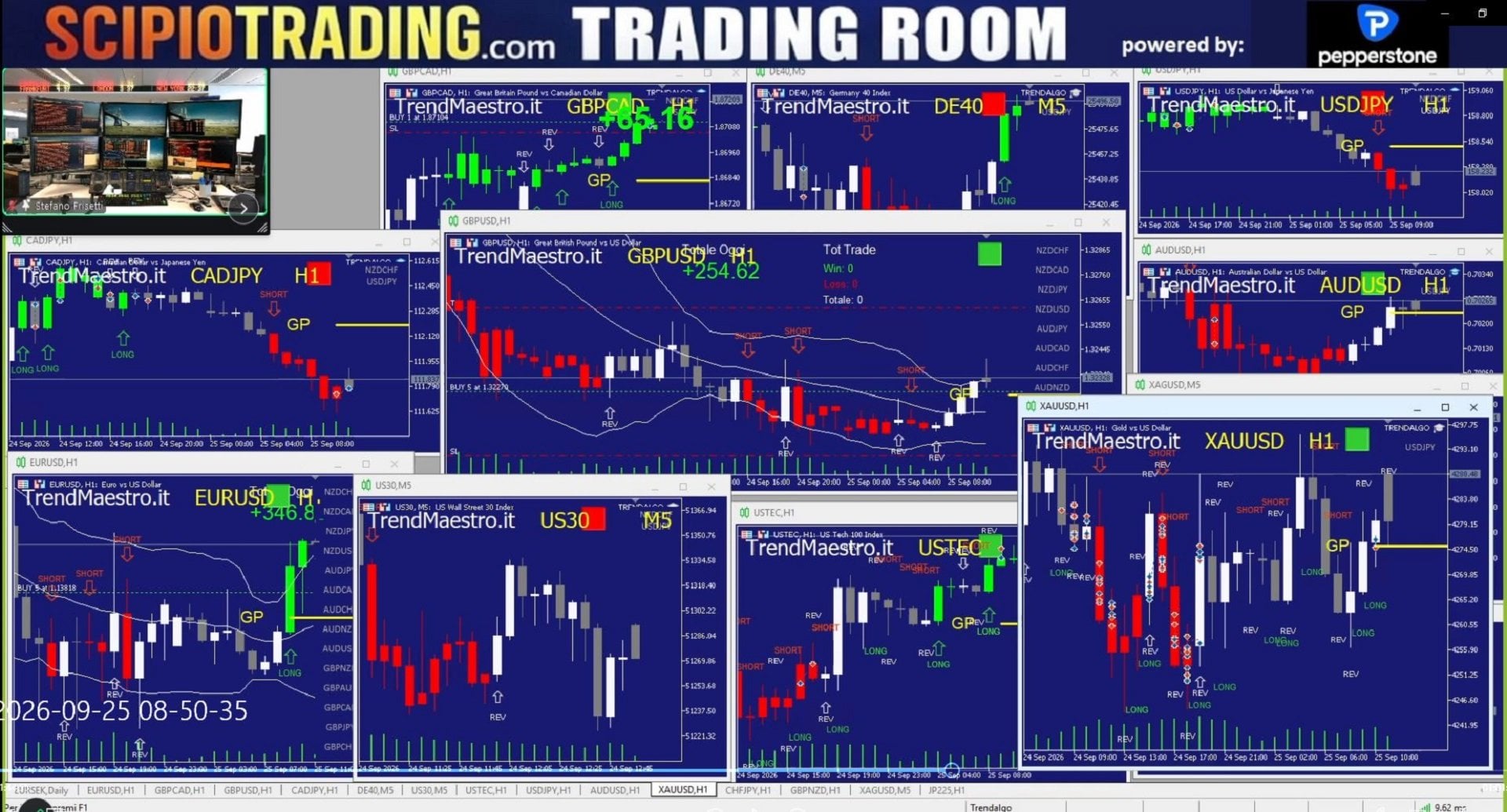
The first gallery image is older promotional artwork labeled 4.0, while the dated listing observation is 4.5. It is retained in the research files but omitted here as redundant artwork, rather than presented as a current interface or performance record.
Source coverage and dated version
The MT5 listing checked on 26 October 2026 showed version 4.5 and a 26 September publication date. The public comments contained no posted entries, and no dedicated live-account link or separate manual was identified in the checked MQL5 material. The linked developer website could not be retrieved during this review, so its contents have not been used as supporting evidence.
These limits do not prove that no further documentation exists. They mean the available public material here does not establish a forward performance record for this exact MT5 configuration.
Which edition and related system?
This article covers the MT5 listing. The existing Trendalgo AI EA MT4 is a separate platform offer; do not infer identical versions or results. For the same developer’s more execution-sensitive rapid-trading approach, see our Scipio Velox Quant MT4/MT5 review.
Verify it yourself
Read the Trendalgo AI MT5 MQL5 source. The linked developer website was not retrievable during this check and has not been used to substantiate performance or package claims. Historical illustrations and a product’s compatibility claims do not guarantee future results.
Choose the MT5 offer from CheaperForex