
Official MT4 version · Gold EA
Scalping Robot Pro EA MT4 + Official User Manuals
Version 7.0
We’re rated Excellent on Trustpilot · 4.6/5 (opens in a new tab)Scalping Robot Pro for MT4 by MQL TOOLS SL is the MetaTrader 4 release of the developer’s XAUUSD M1 scalping system. It’s the same underlying strategy as the MT5 version — short-term Gold scalping on the M1 timeframe with built-in news filter, configurable session and day-of-week scheduling, holiday-period protection, and the flexibility to trade buy-only, sell-only, or both directions. Defined stop loss and take profit on every trade. No grid or martingale required by the design.
For the full editorial breakdown of the architecture, backtest, and live signal — including our honest read on the launch status and the developer’s catalogue context — read our complete review of the MT5 version. The underlying strategy is the same; what differs is the platform.
- ✅ XAUUSD M1 scalper for MT4 — same strategy logic as the developer’s MT5 release, tuned for MetaTrader 4
- ✅ Session, schedule, holiday filters — trade only specific sessions, specific weekdays, specific hours; auto-pause around news and holiday periods
- ✅ Buy-only, sell-only, or both modes — directional control beyond the standard two-way default
The MT4 release of MQL TOOLS SL’s XAUUSD scalper. Same strategy as the MT5 version — read our MT5 review for the full analysis.
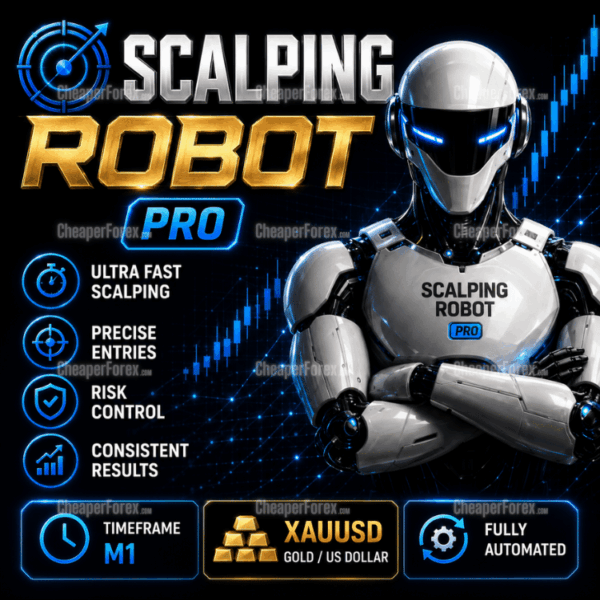 MT4Save 75%
What you receive
- Scalping Robot Pro.ex4Genuine, unmodified developer file for MetaTrader 4Version 7.0
- Setup guide.pdfA general guide to installing expert advisors.Official step-by-step install guide
Delivered instantly to your account after payment
Regular priceRegular price was $1,599.00
$399.95 with card
Visa, Mastercard, Apple Pay and Google Pay accepted.
Card payments add bank fees, sales taxes and other charges.
- Official developer build · Version 7.0
- Instant downloadYour file is provided immediately after payment. In very rare cases we manually review an order first, then send your download straight after. If you don’t receive your file, you can request a full refund.
- Free lifetime updatesAll updates are free. They’re provided on a best-availability basis: we get new versions as fast as we can, led by customer demand, but we don’t guarantee them immediately. If you need every update the moment it’s released, our service may not be the best fit for you.
- 7-day money-backRefunds only cover an EA that fails to attach to your chart because of errors we can replicate. We don’t cover changing your mind or not liking the EA. All brokers are different, and results are never promised because markets are constantly changing.
- Unlimited activationsUse it on as many MT4 accounts and computers as you want, live or demo. There are no restrictions on how you use it.
What you receive
- Scalping Robot Pro.ex4Genuine, unmodified developer file for MetaTrader 4Version 7.0
- Setup guide.pdfA general guide to installing expert advisors.Official step-by-step install guide
Delivered instantly to your account after payment


28,000+ tradersServed since 2019
Official versionsInstant downloadFree lifetime updatesExtra 20% off with cryptoReal people on support28,000+ tradersTrading since 2019Rated Excellent on Trustpilot
Product description
About Scalping Robot Pro EA MT4 + Official User Manuals
Quick Summary:
Scalping Robot Pro for MT4 by MQL TOOLS SL is the MetaTrader 4 release of the developer’s XAUUSD M1 scalping system. It runs the same underlying strategy as the MT5 version — short-term Gold scalping with structured entries on the M1 timeframe — but compiled for MT4’s MQL4 environment. Configurable trading sessions, day-of-week schedule, holiday-period protection, and directional control (buy-only, sell-only, or both) give you fine-grained control over when and how the EA participates in the market.
Official MQL5 Listing:
Scalping Robot Pro MT4 — MQL5 Marketplace
MT5 Version (with editorial review):
Scalping Robot Pro MT5 product page · Full MT5 editorial review
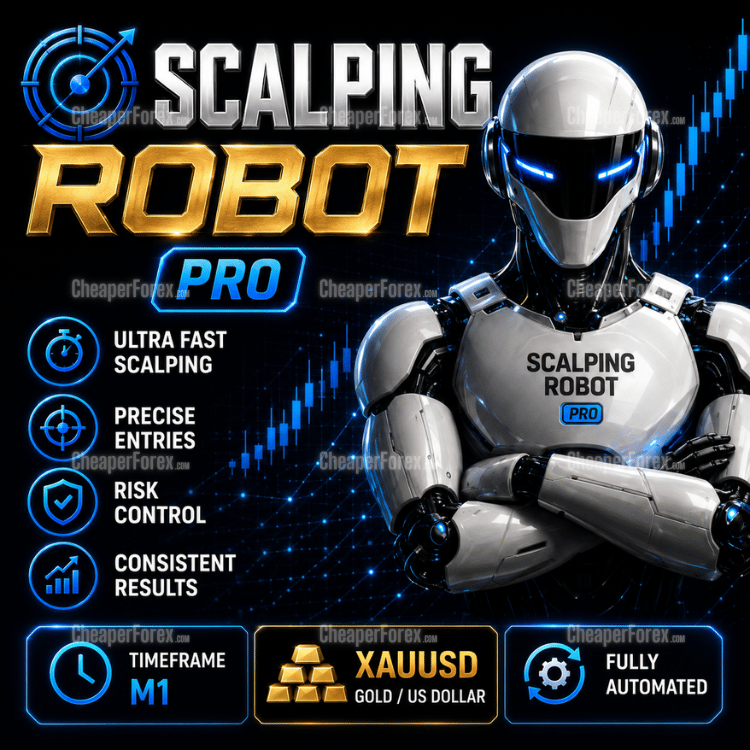
The MT4 Release of Scalping Robot Pro
The MT4 build of Scalping Robot Pro is the developer’s MetaTrader 4 release of the same XAUUSD M1 scalping system covered in our full MT5 editorial review. The strategy logic is shared between platforms — fast precision scalping on Gold, structured entry validation, defined SL/TP on every trade — but each platform requires a separately compiled binary (MQL4 for MetaTrader 4 cannot share code with MQL5 for MetaTrader 5). The developer maintains both releases in parallel.
If you’re on MT4 because your broker only supports the older platform, because you run other tools that depend on it, or simply because you prefer the MT4 ecosystem you’ve built around, this is the version that fits your setup. If you’re new to the developer’s work and want to read the full architectural breakdown before committing, the MT5 review covers everything — the strategy design, the backtest, the live signal, the honest caveats around the launch status and the developer’s catalogue context.
What’s Inside the System
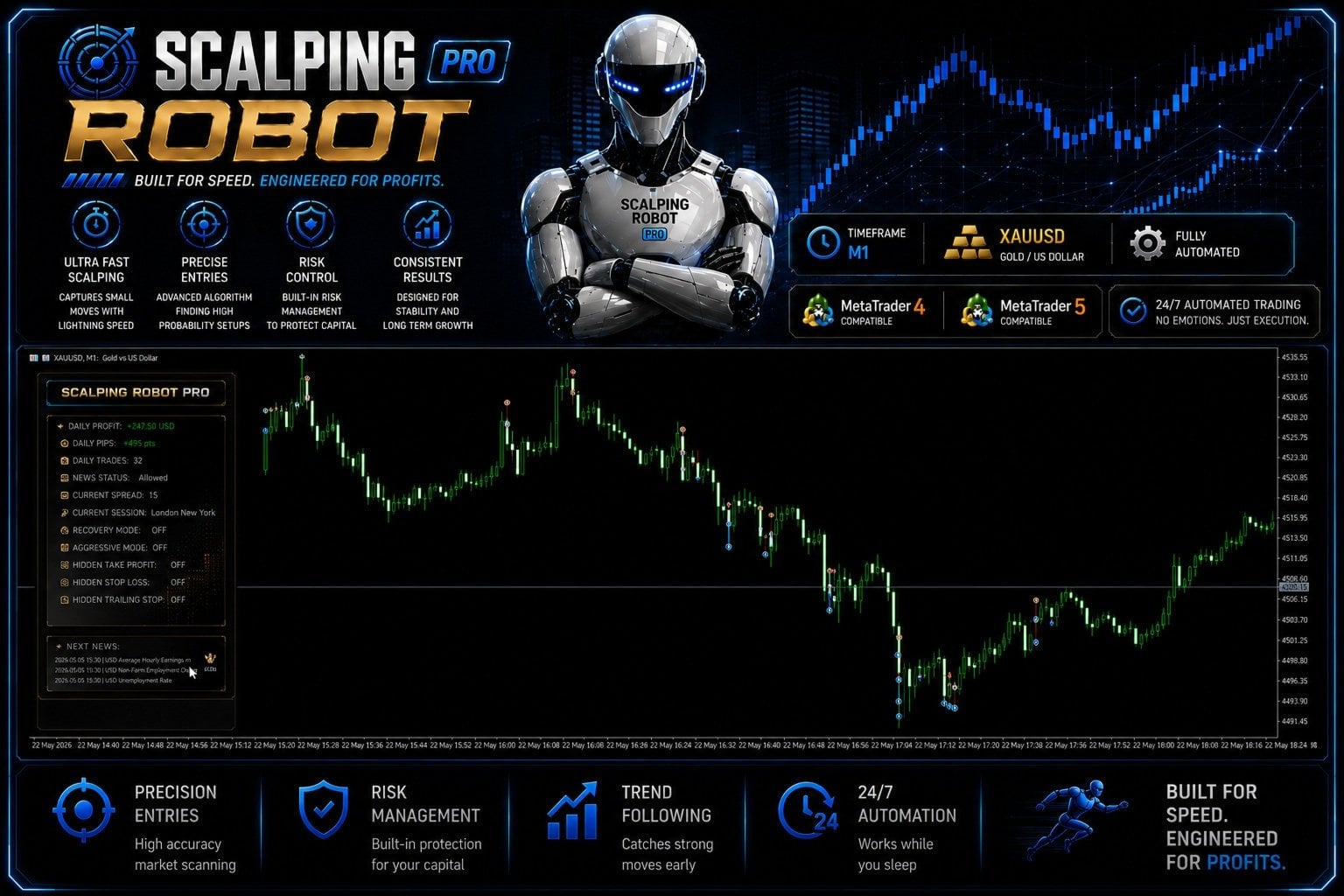
- XAUUSD M1 scalping engine — fast precision entries on the M1 Gold chart with structured entry logic and defined stop loss / take profit on every position
- Built-in news filter — auto-pauses trading around high-impact economic releases (NFP, CPI, FOMC, geopolitical events) to avoid the worst spread and slippage conditions
- Session filters — trade only during selected market sessions (Asia, London, New York) and skip lower-activity periods
- Built-in trading schedule — configure trading hours individually for each day of the week for full control over when the EA is allowed to enter the market
- Flexible trade direction — switch between buy-only, sell-only, or both directions depending on your read of current Gold conditions
- Holiday trading control — optional protection to avoid low-liquidity periods around major bank holidays where price behaviour becomes erratic
- Built-in risk management — capital protection controls and stable trading conditions during volatile periods
- M1 timeframe optimisation — the system is tuned specifically for the M1 chart rather than ported from a longer-timeframe strategy
MT4 vs MT5: What to Know Before Buying
The two platforms differ in ways worth understanding before you pick a version of this EA.
The strategy is identical, the binary is not. Every EA developer maintains MT4 and MT5 versions as separate executable files because the two platforms use different programming languages and runtime environments. The behaviour should be the same in identical market conditions, but the compiled code is distinct.
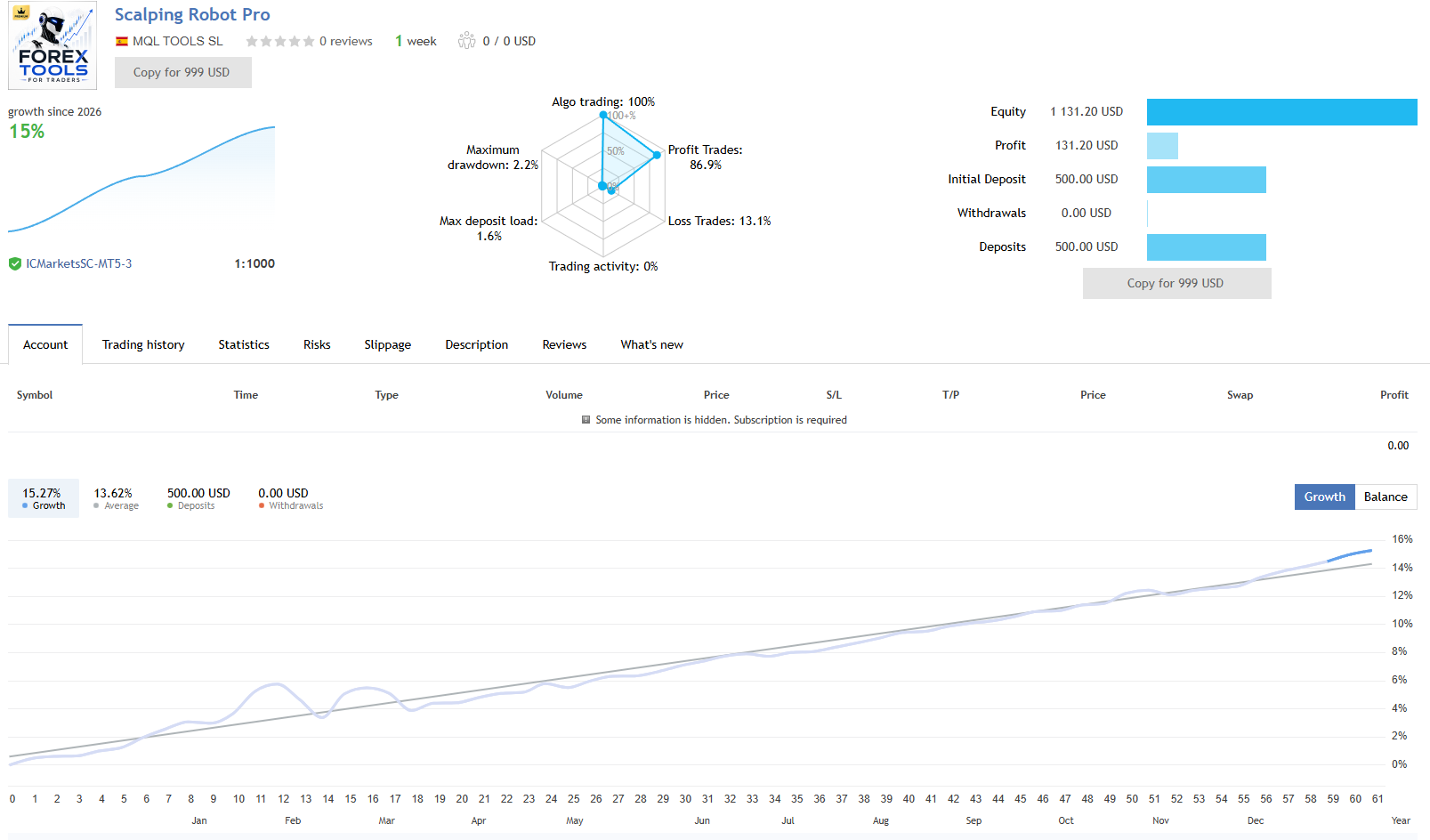
The published live signal runs on MT5. The developer’s verifiable real-money signal is on MetaTrader 5. That doesn’t mean MT4 buyers are getting an unproven product — the same strategy runs on both — but it does mean the directly verifiable evidence sits with the MT5 release. Our MT5 review covers that live signal in detail.
MT4 strategy tester is less rigorous than MT5’s. The MetaTrader 4 strategy tester uses control-point modelling by default and doesn’t natively support real-tick backtesting the way MT5 does. If you plan to verify the strategy on your own backtest, expect MT4 results to look optimistic versus what the same logic produces on MT5’s real-tick framework. The architectural credibility of the strategy is best evaluated on MT5; once you’re satisfied with that, the MT4 version is a reasonable choice if MT4 is your platform.
Broker availability differs. Some brokers offer MT4 only, some MT5 only, some both. If you’re already comfortable with your MT4 broker and don’t want to migrate, this version exists for that exact reason.
Recommended Setup
- Platform: MetaTrader 4
- Instrument: XAUUSD (Gold)
- Timeframe: M1
- Account type: ECN or Raw Spread with tight XAUUSD spreads — M1 scalping is execution-sensitive
- Recommended brokers: IC Markets, Vantage, FP Markets, Pepperstone, or similar tier-one MT4-capable ECN providers
- Minimum deposit: Modest starting balance recommended for validation; size up only after demo testing on your specific broker
- VPS: Strongly recommended — low-latency VPS near your broker’s server is the right setup for any M1 scalper
- Session configuration: Configure session filters and day-of-week schedule before going live; defaults are a starting point, not necessarily optimal for every broker
Detailed User Manual Included With Every Purchase
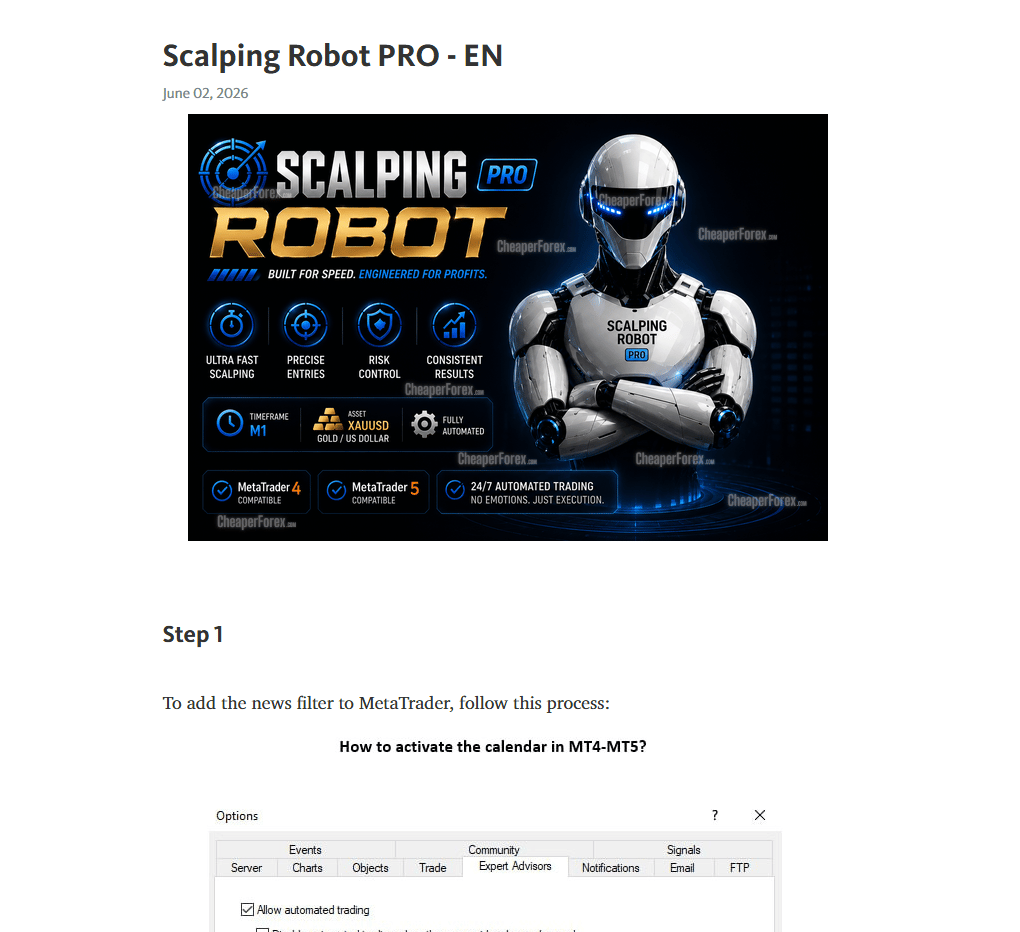
Every purchase of Scalping Robot Pro ships with a proper user manual — the same document covering both the MT4 and MT5 releases since the strategy logic is shared. For an EA with this much configurability (session schedules, day-of-week trading windows, holiday protection, buy-only or sell-only modes, news filter parameters, and the optional advanced modes), the manual is genuinely the difference between guessing at settings and configuring the EA the way the developer intends.
The manual walks through:
- MT4 installation — straightforward terminal setup with the recommended broker pre-flight checks
- Input parameter reference — every setting on the EA explained, with sensible starting values to use while validating on demo
- Session, schedule and holiday configuration — how to tell the EA exactly when to trade and when to stand aside
- News filter setup — how the EA handles high-impact events and what to configure if you want stricter or looser news avoidance
- Trade direction modes — buy-only, sell-only, or both, and when each is the right choice
- On-chart status panel — interpreting the live readout the EA puts on your chart
- Troubleshooting — common configuration issues and the diagnostic checks that fix them
If you’re coming to a configurable EA like this for the first time, the manual will save you the typical first-week confusion of working out what each setting does by trial and error.
From the MQL TOOLS SL Catalogue (MT4)
MQL TOOLS SL maintains a deep MT4 catalogue alongside their MT5 releases. CheaperForex stocks several of their other MT4 products at significant discounts versus the marketplace:
- Scalping Robot EA MT4 — the developer’s original long-running MT4 Gold scalper, a different product from this Pro release and useful context for the catalogue
- AI Forex Robot EA MT4 — the developer’s neural-network gold trading system (covered in our 8.5/10 editorial review)
- Forex Trading Bot AI MT4 — a self-learning AI EA from the same developer
- FX EURUSD Robot MT4 — the developer’s three-strategy EURUSD specialist
- Big Forex Players EA MT4 — the developer’s multi-strategy bank-positioning system (see our how-to guide)
What You Receive
- Scalping Robot Pro for MT4
- Detailed user manuals — installation, every input explained, session and news filter setup, on-chart panel and troubleshooting
- Standalone file — install on your own MT4 terminals
Risk Disclaimer
High-frequency scalping on XAUUSD M1 is highly sensitive to broker execution quality, spread, slippage, and latency — results on one broker can differ meaningfully from results on another, and MT4’s older strategy tester typically produces more optimistic backtest figures than the same strategy generates on MT5’s real-tick framework or in live trading. Test on demo on your intended MT4 broker first, use conservative position sizing while validating, and never deploy capital you cannot afford to lose. Past performance — backtest or live — does not guarantee future results.
Read the Full Editorial Review
📖 Read our complete Scalping Robot Pro review (MT5 version) →
The review covers the developer’s catalogue credibility (MQL TOOLS SL has 36 products and a 4.4-star rating across 1,765 verified reviews), the real-tick backtest analysis, the published live signal evaluation, and our honest editorial caveats around the launch status. The strategy logic in the MT4 release matches what’s covered there — the platform is what differs.
Every order
What’s included with Scalping Robot Pro
- Instant downloadReady after checkout and kept in your account
- Free lifetime updatesAdded as soon as we receive them, every version kept in your account
- Unlimited activationsUnlimited live and demo accounts
- Free remote installationOptional: a one-time install over AnyDesk, with settings advice and custom presets
- 7-day money-back guaranteeIf the EA fails to attach to your chart because of errors we can replicate, you get a full refund.
Product FAQs
Scalping Robot Pro EA MT4 + Official User Manuals FAQs
Real people on support, by Telegram or our contact form.
What is Scalping Robot Pro EA for MT4?
A XAUUSD-only Expert Advisor for MetaTrader 4 by MQL TOOLS SL. It’s the MT4 release of the same XAUUSD M1 scalping system the developer offers for MetaTrader 5. The strategy logic is shared between platforms: fast precision scalping on the M1 timeframe with structured entries, built-in news filter, configurable trading sessions, day-of-week schedule, and holiday protection.
Is this the same EA as the MT5 version?
Same underlying strategy and developer, separate executable for each platform. The MT4 build of an EA is always a distinct file because MetaTrader 4 and MetaTrader 5 use different programming languages (MQL4 vs MQL5) and cannot share binaries. The developer maintains the two versions in parallel. For the full architecture deep dive — including the backtest, the live signal, and the honest editorial caveats — see our review of the MT5 version.
Should I buy the MT4 or the MT5 version?
Buy the version that matches the platform you actually trade on. If your broker only supports MT4, or you prefer MT4 for habit, broker rebates, or compatibility with other tools you run, this is the version to buy. If you’re starting fresh or your broker supports both, MT5 is the newer platform and the developer’s published live signal runs on MT5 — so the MT5 version sits closer to the verifiable behaviour. Both versions perform the same strategy.
Which MT4 broker should I use for Scalping Robot Pro?
A reputable MT4 broker offering XAUUSD with tight spreads. ECN or Raw Spread accounts are preferred — M1 scalping is highly sensitive to spread costs and execution latency. Brokers commonly used for MT4 Gold include IC Markets, Vantage, FP Markets, Pepperstone, and similar tier-one ECN providers.
How does the MT4 backtest compare to the MT5 backtest?
MT4’s strategy tester is older and less rigorous than MT5’s — by default it uses control-point modelling rather than real ticks, which can produce optimistic backtest results compared to real conditions. For meaningful MT4 backtest validation, traders typically use tick data services or third-party tick-data tools. Our MT5 review covers a real-tick backtest result of the same strategy logic — read it for the verifiable architecture evidence.
Is the MT4 release a grid or martingale system?
The system as configured by default does not require grid recovery or martingale. There may be optional advanced modes available; if you’re going to enable anything outside the defaults, do it on a demo account first to understand the behaviour before committing live capital.
Is a VPS required to run the MT4 version 24/5?
Yes — strongly recommended for any M1 scalper. Latency and uptime matter enormously on a high-frequency strategy, and your home machine and connection aren’t sufficient. A low-latency MT4-capable VPS near your broker’s server is the right setup.
Why is the MT4 version cheaper at CheaperForex?
This is the same EA supplied as a standalone file, with free lifetime updates. You pay significantly less. For a young product, paying less to test it on demo and validate before scaling is the practical approach — and our full MT5 review covers the architectural strengths and the honest caveats that apply equally to this MT4 release.
- Excellent on Trustpilot 4.6 out of 5 from 120 reviews (opens in a new tab)
- 28,000+ traders since 2019
- 1,560+ official EAs
- Card or crypto payments
Related EAs
Traders also explore
Premium expert advisors at vault-low prices, with your crypto price on every card.
 MT4Save 93%
 MT4Save 86%
 MT4Save 95%
Ready when you are
Scalping Robot Pro EA MT4 + Official User Manuals for $319.96 with crypto
Regular price was $1,599.00 · $399.95 with card · instant download · free lifetime updates

Scalping Robot Pro EA MT4 + Official User Manuals$319.96with crypto$399.95 with card